{ "@context": "https://schema.org", "@type": "BreadcrumbList", "itemListElement": [ {"@type": "ListItem", "position": 1, "name": "Home", "item": "https://simpletyping.in/"}, {"@type": "ListItem", "position": 2, "name": "Blog", "item": "https://simpletyping.in/blog/"}, {"@type": "ListItem", "position": 3, "name": "How a WPM Test Actually Calculates Your Score (And Why Two Tools Disagree)", "item": "https://simpletyping.in/blog/how-a-wpm-test-calculates-your-score/"} ] }
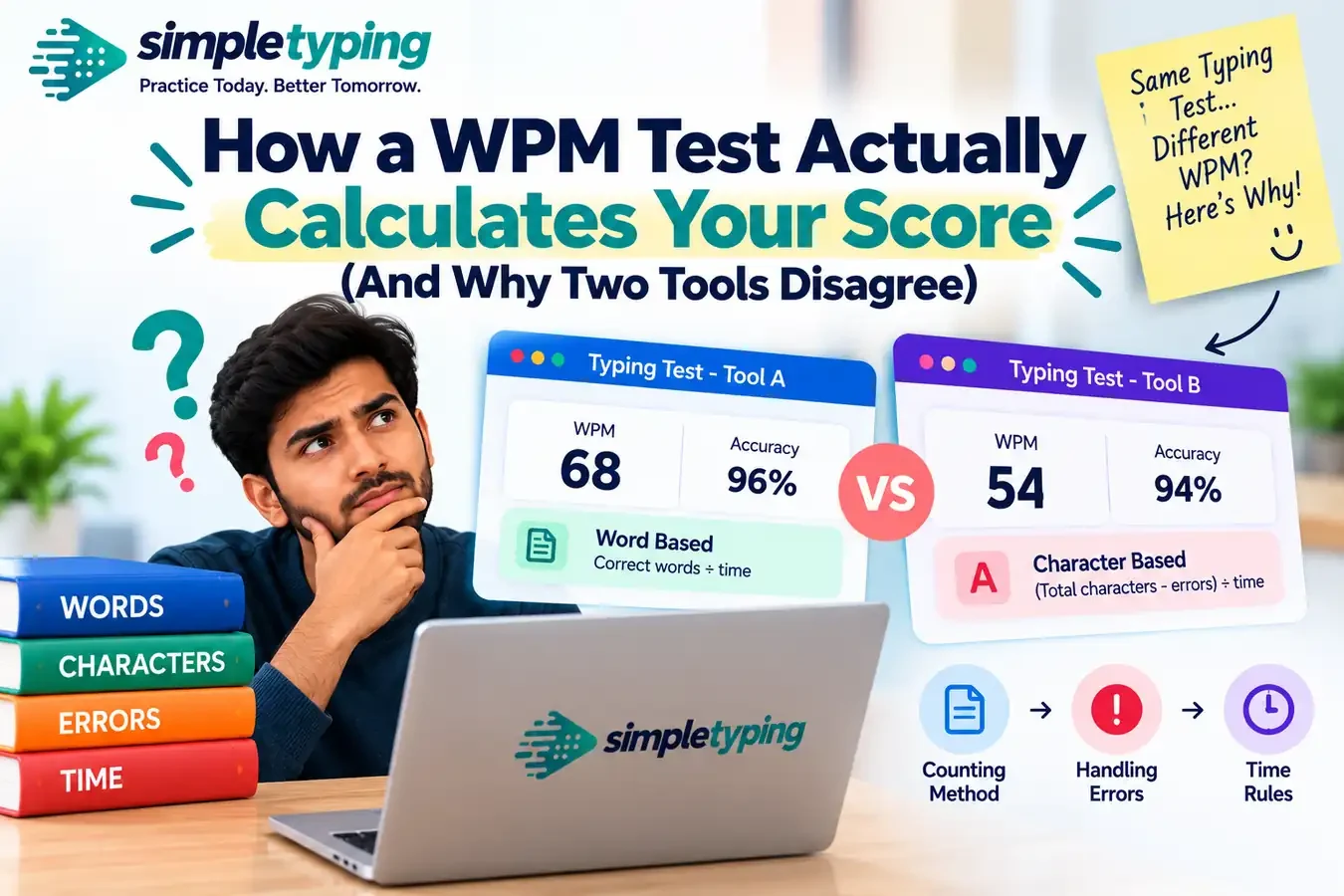
You take a WPM test on one site and get 62. You paste-worthy your fingers into the exact same rhythm five minutes later on a different site and get 71. Nothing about your typing changed — your hands did not suddenly learn a new trick between browser tabs. What changed is the math running quietly behind the scenes. A “words per minute” score is not one universal measurement like a stopwatch reading; it is the output of a formula, and every WPM test on the internet is free to define that formula slightly differently. Once you know what actually goes into the calculation, the disagreement between tools stops being confusing and starts being predictable.
- What a "word" actually means in a WPM test
- Gross WPM vs net WPM: the real split
- How error penalties get subtracted (and why formulas differ)
- Why the length of the test changes the number
- A real example: same typing, two different scores
- The quieter variables: word lists, backspaces, warm-up
- Which number should you actually trust
- Key takeaways
What a “word” actually means in a WPM test
The first thing to unlearn is that a WPM test counts actual dictionary words. It does not. Real words vary wildly in length — “a” is one character, “telecommunications” is nineteen — and if a test rewarded you per real word, someone typing short words all day would post absurd scores compared to someone typing technical prose. So the typing industry settled decades ago, back in the manual-typewriter era, on a standardized unit: 5 characters (including spaces) count as one “word,” regardless of where the actual word boundaries fall.
That means if you type 250 characters in one minute, the test divides by 5 and calls it 50 WPM — even if the passage was full of short words like “is,” “it,” and “the,” or long ones like “keyboard” and “accuracy.” This convention is close to universal, so it is rarely the source of a big discrepancy between tools. But it matters for context: everything downstream in this article — gross WPM, net WPM, error penalties — is built on top of this same 5-character unit, and small differences in how a tool counts characters (does it count the trailing space after the last word? does punctuation count?) can nudge the final number by a point or two before you even get to the parts that cause the big swings.
Gross WPM vs net WPM: the real split
This is where most of the disagreement between tools actually starts. There are two fundamentally different numbers a typing test can show you, and not every tool tells you which one it is giving you.
- Gross WPM counts every character you typed, correct or not, and converts it straight into a speed number. It answers the question “how fast were your fingers moving,” with zero regard for accuracy.
- Net WPM starts from gross WPM and then subtracts a penalty for mistakes, so it answers a different question: “how fast were you typing text that actually counts as correct.”
A tool that only ever shows gross WPM will always report a higher number than one that shows net WPM, for the exact same typing session, if you made any errors at all. That single design choice — which number a tool decides to surface as “your score” — explains a huge share of the “why is my WPM different on this site” confusion people run into.
| Calculation | Gross WPM | Net WPM |
|---|---|---|
| What it counts | All characters typed, correct and incorrect | Correct characters only, errors subtracted |
| Formula (simplified) | (Total characters typed ÷ 5) ÷ minutes | Gross WPM − (errors ÷ minutes) |
| What it rewards | Raw finger speed | Speed that is actually usable/correct |
| Typical use case | Casual speed tests, games | Exam-style tests, certificates, hiring assessments |
| Score on a messy fast run | Stays high | Drops sharply |
Neither number is “wrong.” They are answering different questions. The problem is that most typing tools just print a number labeled “WPM” without telling you which formula produced it, so people assume the numbers should match across sites when they were never designed to.
How error penalties get subtracted (and why formulas differ)
Even among tools that calculate net WPM, the penalty formula itself is not standardized. There are at least three common approaches in the wild, and they do not produce the same result from the same set of mistakes.
- Per-error word deduction: subtract one full “word” (i.e., 5 characters worth) from your total for every uncorrected error, then divide by time. A handful of typos costs you several whole words off the top.
- Character-accuracy method: count only correctly typed characters toward your total, and simply ignore incorrect ones rather than actively penalizing them. This is gentler — errors do not subtract extra, they just fail to add.
- Fixed-percentage penalty: multiply gross WPM by your accuracy percentage. Someone at 95% accuracy loses roughly 5% of their raw speed; someone at 80% accuracy loses a full fifth of it, which compounds much faster than the other two methods on a bad run.
Then there is the question of corrected errors — mistakes you typed and then fixed with backspace before submitting. Some tools only ever look at your final submitted text, so a corrected error costs you nothing but the time it took to fix it. Other tools log every keystroke and penalize you for the fact that an error happened at all, even if you cleaned it up before the end. Two typists who both finish with a perfectly clean final paragraph can walk away with different net WPM scores purely because one tool is silently counting backspace history and the other is not.
Why the length of the test changes the number
WPM is, by definition, a rate: it always gets divided by minutes elapsed. That single fact makes short tests far more sensitive to noise than long ones. On a 15-second test, one fumbled word or a slow first keystroke while your brain catches up with the passage can swing your score by 8–10 WPM, because that mistake is being divided by a tiny fraction of a minute. Stretch the same typing habits out over a 5 or 10 minute test and that same single fumble gets averaged out across hundreds more correctly typed characters, barely denting the final number.
This is also why a lot of people quietly do better on very short tests: there simply is not enough time for fatigue, hand cramping, or a mid-passage mental slip to drag the average down. If you want a deeper look at how test duration itself changes what your score represents, our breakdowns of the one-minute test format and the ten-minute format cover that ground directly — this article is only concerned with how the scoring math itself shifts as the clock changes, not with which duration is “better” to practice on.
A real example: same typing, two different scores
Priya, a data-entry aspirant prepping for an SSC typing requirement, ran the same 5-minute passage twice in one sitting on two different practice sites, typing at what felt like an identical pace both times. Site A reported 68 WPM. Site B reported 54 WPM on typing she was fairly sure was slightly cleaner the second time, not worse. She assumed one of the tools was broken.
It was not. Site A was reporting gross WPM — raw characters typed, divided by five, divided by time, no penalty applied. Site B was reporting net WPM using the fixed-percentage method, and Priya had made a cluster of six small errors in one sentence where she had misread a word in the source passage. Because Site B multiplied her raw speed by her accuracy percentage, that one rough sentence cost her proportionally more than it “felt” like it should. Neither site lied to her. They were simply answering different questions with the same 30 seconds of hand movement. Once she understood which formula each site used, she stopped comparing the raw numbers across tools and instead tracked her trend on a single tool over time — which is the only way a WPM number is actually meaningful for measuring progress.
The quieter variables: word lists, backspaces, warm-up
A handful of smaller design choices also nudge scores between tools, even when both are honestly trying to measure the same thing:
- Passage difficulty: a test built from common short English words will always produce a higher raw WPM than one built from exam-style passages full of longer, less familiar vocabulary, capital letters, and punctuation — even before any penalty is applied.
- Backspace policy: some tools let you correct freely with no cost beyond lost time; others lock a character once typed, so every mistake is permanent and immediately counts against you.
- Countdown vs. cold start: a tool with a 3-2-1 countdown before the clock starts gives your hands a beat to get moving; a tool that starts timing on your very first keystroke effectively includes your reaction time in the score.
- Rounding and display: some tools round to the nearest whole number, others truncate, and a few average multiple short bursts across the test rather than computing one single rate — each method can land on a different final digit.
None of these alone explains a huge gap, but stacked together — a slightly easier word list, a lenient backspace policy, and a gross-WPM display — they can easily add up to the 15–20 point difference people notice when they switch tools and assume something is wrong.
Which number should you actually trust
The honest answer is: whichever one you are being measured against. If you are preparing for a government exam typing requirement, the number that matters is the one calculated the way your exam’s typing test actually calculates it — usually a net WPM figure with a real accuracy threshold attached, not the friendliest gross number you can find on the internet. If you are just tracking your own improvement week to week, pick one tool, keep the conditions consistent, and treat that number as your personal baseline rather than something to compare against a friend’s score from a different site. Chasing a bigger number by switching to whichever tool happens to calculate more generously is not progress, it is just a more flattering formula.
If you want a score you can actually stand behind — one that is calculated consistently and is something you can point to later — running it through a free registered account so your results are saved and comparable over time is a more useful habit than test-hopping for a better-looking number.
Key takeaways
- WPM is not counting real words; it is counting characters in blocks of 5, so the underlying unit is already a convention, not a literal word count.
- Gross WPM ignores errors entirely; net WPM subtracts a penalty for them — a tool that shows one instead of the other will never match a tool showing the opposite, even on identical typing.
- Net WPM formulas themselves differ: per-error deduction, character-accuracy counting, and percentage-based penalties all produce different final numbers from the same mistakes.
- Shorter tests amplify the effect of single errors and slow starts because the result is divided by a smaller time window; longer tests smooth that noise out.
- Backspace policy, passage difficulty, and countdown-vs-cold-start timing all add smaller, stackable differences between tools.
- The fix is not finding the “correct” tool — it is picking one tool and one testing method and tracking your trend on it consistently.
Frequently asked questions
Why do I get a different WPM on every typing test site?
Because each site can choose its own formula: some show gross WPM (no penalty for errors), others show net WPM (errors subtracted), and even the net WPM tools use different penalty methods. Different word lists, backspace rules, and test lengths add further small gaps on top of that.
What does “5 characters equals 1 word” actually mean?
It is a standardized counting unit, not a claim about real words. Every 5 characters you type, including spaces, is counted as one “word” for scoring purposes, regardless of where actual word boundaries fall in the sentence.
Is gross WPM or net WPM the “real” score?
Both are real, they just measure different things. Gross WPM measures raw finger speed with no accuracy check. Net WPM measures speed after subtracting a penalty for mistakes, which is closer to what exams and employers usually care about.
Neither is a fake number — check which one a specific tool is showing you before comparing it to another site.
Why is my WPM higher on a 15-second test than a 5-minute test?
Short tests divide your result by a very small time window, so a strong quick burst gets less chance to be dragged down by fatigue, hesitation, or a mistake later in the passage. Longer tests average your pace across more typing, which usually pulls the number down toward your true sustained speed.
Does correcting a mistake with backspace still hurt my WPM?
It depends on the tool. Some only score your final submitted text, so a corrected mistake costs you nothing but time. Others log every keystroke and count the original error against you even after you fix it, which can lower net WPM even on a passage that looks clean at the end.
Why did my score drop when I switched from a word-list test to a paragraph test?
Paragraph passages usually include longer words, punctuation, and capital letters, all of which take longer to type accurately than short common words. A drop when moving to paragraph-style testing is expected and does not mean your typing got worse.
Can two people with the same accuracy have different net WPM?
Yes, if the tools use different penalty formulas. A fixed-percentage penalty and a per-error deduction penalty do not scale mistakes the same way, so identical accuracy percentages can still translate into different final net WPM numbers on different sites.
Should I compare my WPM to scores my friends get on a different site?
Not directly. Unless you both used the exact same tool, passage difficulty, and test duration, the numbers were produced by different formulas and are not a fair comparison. Compare your own scores over time on one consistent tool instead.
What WPM formula do government exams like SSC typically use?
Most official exam typing tests use a net-WPM-style calculation with a required minimum accuracy threshold, meaning fast but error-heavy typing will not meet the requirement. Always check the specific exam’s stated criteria rather than assuming any practice site matches it exactly.
Does punctuation count toward my WPM?
On most tools, yes — punctuation marks and spaces count as characters in the 5-character-per-word unit, same as letters. A passage heavy in commas, apostrophes, or capitalization can type slightly slower than a plain lowercase word list purely because of the extra keystrokes involved.
Why does my WPM look lower right after I switch keyboards or devices?
That is a mechanical factor rather than a scoring one — unfamiliar key spacing or travel distance slows real typing speed temporarily. Give it a few sessions before comparing scores across devices, since the formula itself has not changed, only your hands’ familiarity with the new keyboard.
Is there one universally correct WPM formula?
No. The 5-character-per-word convention is close to universal, but whether a tool reports gross or net WPM, and which specific error-penalty method it uses, is entirely up to whoever built the tool. There is no single governing standard all typing tests are required to follow.
{ "@context": "https://schema.org", "@type": "FAQPage", "mainEntity": [ {"@type": "Question", "name": "Why do I get a different WPM on every typing test site?", "acceptedAnswer": {"@type": "Answer", "text": "Because each site can choose its own formula: some show gross WPM (no penalty for errors), others show net WPM (errors subtracted), and even the net WPM tools use different penalty methods. Different word lists, backspace rules, and test lengths add further small gaps on top of that."}}, {"@type": "Question", "name": "What does 5 characters equals 1 word actually mean?", "acceptedAnswer": {"@type": "Answer", "text": "It is a standardized counting unit, not a claim about real words. Every 5 characters you type, including spaces, is counted as one word for scoring purposes, regardless of where actual word boundaries fall in the sentence."}}, {"@type": "Question", "name": "Is gross WPM or net WPM the real score?", "acceptedAnswer": {"@type": "Answer", "text": "Both are real, they just measure different things. Gross WPM measures raw finger speed with no accuracy check. Net WPM measures speed after subtracting a penalty for mistakes, which is closer to what exams and employers usually care about. Neither is a fake number, check which one a specific tool is showing you before comparing it to another site."}}, {"@type": "Question", "name": "Why is my WPM higher on a 15-second test than a 5-minute test?", "acceptedAnswer": {"@type": "Answer", "text": "Short tests divide your result by a very small time window, so a strong quick burst gets less chance to be dragged down by fatigue, hesitation, or a mistake later in the passage. Longer tests average your pace across more typing, which usually pulls the number down toward your true sustained speed."}}, {"@type": "Question", "name": "Does correcting a mistake with backspace still hurt my WPM?", "acceptedAnswer": {"@type": "Answer", "text": "It depends on the tool. Some only score your final submitted text, so a corrected mistake costs you nothing but time. Others log every keystroke and count the original error against you even after you fix it, which can lower net WPM even on a passage that looks clean at the end."}}, {"@type": "Question", "name": "Why did my score drop when I switched from a word-list test to a paragraph test?", "acceptedAnswer": {"@type": "Answer", "text": "Paragraph passages usually include longer words, punctuation, and capital letters, all of which take longer to type accurately than short common words. A drop when moving to paragraph-style testing is expected and does not mean your typing got worse."}}, {"@type": "Question", "name": "Can two people with the same accuracy have different net WPM?", "acceptedAnswer": {"@type": "Answer", "text": "Yes, if the tools use different penalty formulas. A fixed-percentage penalty and a per-error deduction penalty do not scale mistakes the same way, so identical accuracy percentages can still translate into different final net WPM numbers on different sites."}}, {"@type": "Question", "name": "Should I compare my WPM to scores my friends get on a different site?", "acceptedAnswer": {"@type": "Answer", "text": "Not directly. Unless you both used the exact same tool, passage difficulty, and test duration, the numbers were produced by different formulas and are not a fair comparison. Compare your own scores over time on one consistent tool instead."}}, {"@type": "Question", "name": "What WPM formula do government exams like SSC typically use?", "acceptedAnswer": {"@type": "Answer", "text": "Most official exam typing tests use a net-WPM-style calculation with a required minimum accuracy threshold, meaning fast but error-heavy typing will not meet the requirement. Always check the specific exam's stated criteria rather than assuming any practice site matches it exactly."}}, {"@type": "Question", "name": "Does punctuation count toward my WPM?", "acceptedAnswer": {"@type": "Answer", "text": "On most tools, yes, punctuation marks and spaces count as characters in the 5-character-per-word unit, same as letters. A passage heavy in commas, apostrophes, or capitalization can type slightly slower than a plain lowercase word list purely because of the extra keystrokes involved."}}, {"@type": "Question", "name": "Why does my WPM look lower right after I switch keyboards or devices?", "acceptedAnswer": {"@type": "Answer", "text": "That is a mechanical factor rather than a scoring one, unfamiliar key spacing or travel distance slows real typing speed temporarily. Give it a few sessions before comparing scores across devices, since the formula itself has not changed, only your hands' familiarity with the new keyboard."}}, {"@type": "Question", "name": "Is there one universally correct WPM formula?", "acceptedAnswer": {"@type": "Answer", "text": "No. The 5-character-per-word convention is close to universal, but whether a tool reports gross or net WPM, and which specific error-penalty method it uses, is entirely up to whoever built the tool. There is no single governing standard all typing tests are required to follow."}} ] }








