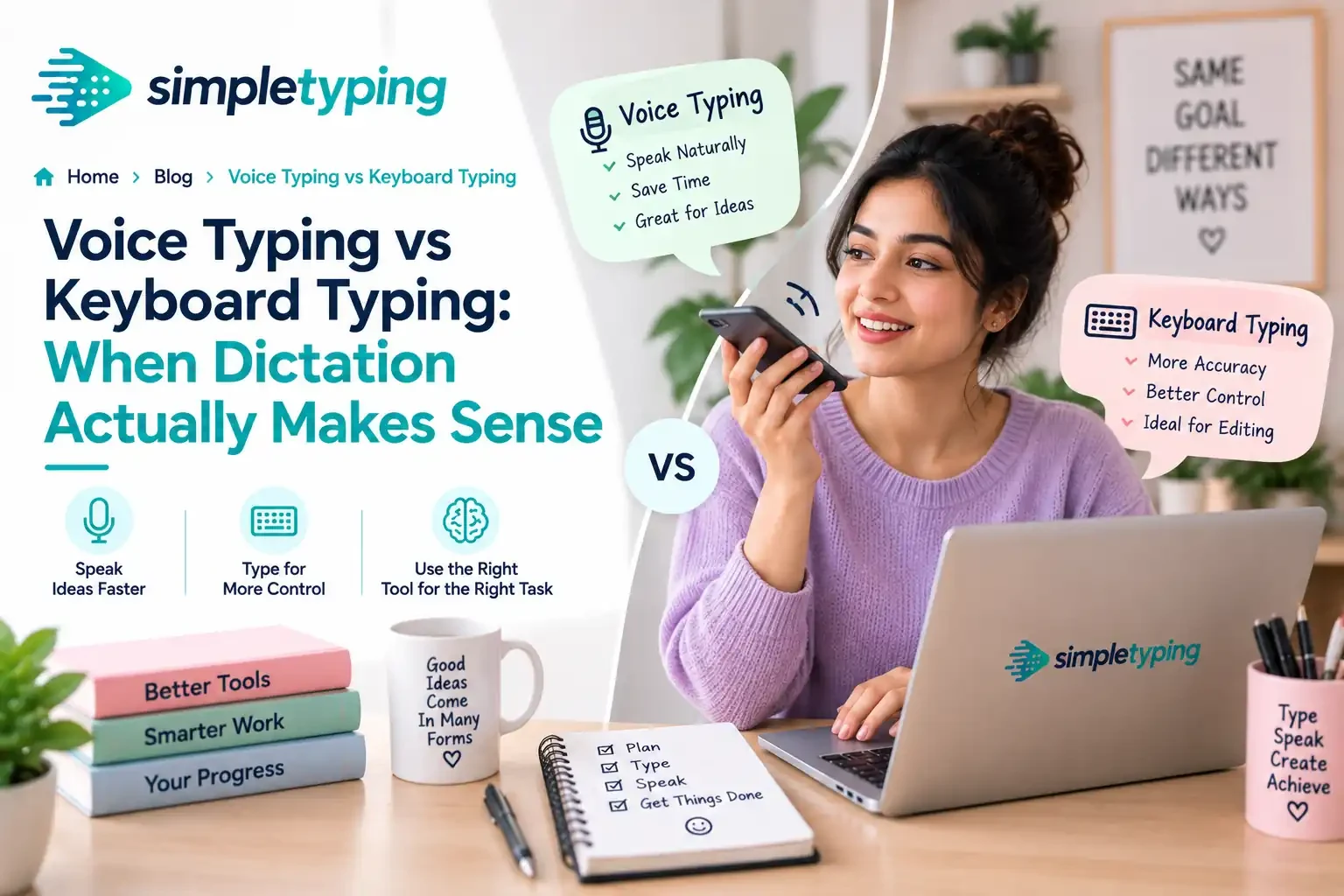
Voice dictation used to be a party trick. You would speak a sentence into your phone, get back a paragraph of nonsense, and go back to typing. That is no longer true. Modern dictation tools built into phones, browsers, and dedicated apps are fast and often surprisingly accurate. But "better than before" is not the same as "better than a keyboard." The real question is not which one wins overall — it is which one wins for the task in front of you right now. This article breaks that down honestly, with real numbers and a framework you can actually use.
- What "Voice Typing" Actually Means Today
- Where Voice Typing Genuinely Wins
- Where Keyboard Typing Still Wins, Clearly
- Real Accuracy and Speed Numbers
- The Editing Problem Nobody Mentions
- Noise, Privacy, and the Environment You Work In
- Voice Typing vs Keyboard Typing: Side by Side
- A Real-World Example: Two People, Same Deadline
- A Practical Framework for Choosing
- Key Takeaways
What "Voice Typing" Actually Means Today
Dictation is not one tool anymore, it is a category. Built-in options like the voice typing feature in Google Docs, dictation on Android and iOS keyboards, and Windows Voice Access handle everyday sentences well. Dedicated tools like Dragon-style professional dictation software are tuned for long, technical documents and custom vocabularies. Meeting and interview transcription tools like Otter-style apps focus on turning speech into searchable text rather than polished prose. The underlying engines have improved because they are trained on far more speech data and run on faster, more capable models than they did even a few years ago. That is the real story behind why dictation feels different now — it is not a gimmick anymore, it is a legitimate input method with its own strengths and its own blind spots.
Where Voice Typing Genuinely Wins
There are situations where dictation is not just convenient, it is objectively the better tool.
- Long-form first drafts. When you are getting ideas out of your head and onto the page — a blog outline, a rough email, a brain dump before a meeting — speaking is faster than your fingers can move, and it keeps you in a narrative flow instead of stopping to fix typos.
- Accessibility needs. For people with repetitive strain injury, arthritis, limited hand mobility, or certain motor or visual impairments, dictation is not a convenience, it is the thing that makes writing possible at all. This is the single strongest case for voice input, full stop.
- Hands-busy, eyes-busy situations. Driving and dictating a quick text, cooking with messy hands, standing in a warehouse checking off notes, walking between meetings — anywhere your hands are occupied but you need to capture text, voice wins by default because typing is not even an option.
- Capturing fast-moving thoughts. Some people think out loud better than they think on a page. If your best ideas come while talking them through, dictation captures that raw material before it evaporates.
Where Keyboard Typing Still Wins, Clearly
None of that means dictation has caught up everywhere. There are entire categories of work where a keyboard is still the obviously correct tool.
- Accuracy-critical content. Legal clauses, medical notes, financial figures, contract terms — anywhere a single misheard word changes meaning or creates liability, you want direct, verifiable keystrokes, not a transcription engine's best guess.
- Noisy or shared environments. Open offices, libraries, coworking spaces, trains — you either cannot dictate without disturbing everyone around you, or background noise wrecks the transcription. Typing is silent and works anywhere.
- Editing and revision. Rewriting a sentence, moving a paragraph, tightening a phrase — this is a keyboard-and-mouse task through and through. Voice editing commands exist, but they are clunky compared to just clicking and typing the fix.
- Code and structured text. Punctuation-heavy, symbol-heavy content like code, spreadsheets formulas, and markup is painful to dictate and easy to type. Saying "open bracket, open bracket, dollar sign" out loud is not faster than pressing two keys.
- Exams and test settings. Timed typing tests, certification exams, and most formal assessments require typed input specifically, because they are measuring keyboard skill, not speech-to-text accuracy.
- Privacy-sensitive content. Passwords, personal details, anything you would not want to say out loud in a room, or anything you do not want processed by a cloud speech service — type it instead.
Real Accuracy and Speed Numbers
It helps to look past the marketing and at how these tools actually perform. Under good conditions — clear speech, quiet room, common vocabulary — modern dictation tools regularly hit somewhere in the 95 to 99 percent accuracy range. That sounds excellent until you do the math: at 97 percent accuracy, a 500-word document still has roughly 15 errors to catch and fix. Accuracy also drops noticeably with strong accents, fast or mumbled speech, background noise, technical jargon, uncommon names, and industry-specific terminology, sometimes falling into the 80s.
On speed, people typically speak at 110 to 150 words per minute, well above the 40 to 80 words per minute most typists reach. But that raw speed advantage shrinks once you add correction time. A skilled typist producing clean, accurate text from the first pass can end up with comparable or better net output per minute than a dictation session that needs heavy proofreading afterward. Voice typing wins the sprint; keyboard typing often wins the actual finish line once corrections are counted.
The Editing Problem Nobody Mentions
Dictation is a drafting tool, not an editing tool. Getting words onto the page by speaking is fast. Going back to restructure a sentence, swap a word, or delete a clause by voice is slow and awkward compared to a keyboard shortcut or a quick click-and-retype. Most people who dictate regularly end up doing exactly that: they speak the first draft, then switch to a keyboard to clean it up. That is not a flaw in dictation, it is simply what the tool is good at and not good at. Treating voice typing as a complete replacement for typing, rather than a complement to it, is where most people get frustrated with the technology.
Noise, Privacy, and the Environment You Work In
Where you are sitting matters as much as what you are writing. A quiet home office with a closed door is a fine place to dictate a report. An open-plan office, a shared coworking desk, a library, or a train is not — not because the technology fails, but because talking to your screen for twenty minutes disturbs everyone nearby and often does not work well with ambient noise anyway. There is also a quieter privacy dimension: dictated speech is frequently processed through cloud services, and speaking sensitive information out loud in a shared space is its own exposure risk, separate from the software itself. Keyboard typing has neither problem. It is silent, private, and works identically whether you are alone or in a crowded room.
Voice Typing vs Keyboard Typing: Side by Side
Here is the comparison distilled into one view, dimension by dimension.
| Dimension | Voice Typing | Keyboard Typing |
|---|---|---|
| Raw input speed | Faster (110-150 wpm speaking) | Slower (40-80 wpm typical) |
| Accuracy on technical/uncommon words | Drops noticeably, needs proofing | Consistent, depends only on the typist |
| Ease of editing | Clunky, mostly a keyboard task anyway | Fast and precise |
| Noisy or shared environments | Poor fit, disturbs others | Works anywhere, silent |
| Privacy of content | Spoken aloud, often cloud-processed | Private, no audio exposure |
| Learning curve | Low to start, tricky to master corrections | Steeper at first, pays off long-term |
A Real-World Example: Two People, Same Deadline
Consider two freelancers who both need to file a 1,200-word article by the end of the day. Elena drafts by dictating into her laptop while pacing around her apartment, thinking out loud the way she always has. In about fifteen minutes she has a rough draft, messy but complete. She then sits down, opens the keyboard, and spends thirty minutes editing: fixing misheard names, tightening sentences, and reformatting a list the dictation engine mangled. Total time: about forty-five minutes, and the editing pass is where a keyboard did the real work.
Daniel, sitting in a shared coworking space, cannot dictate without disturbing three other people at his table. He types the whole thing from scratch, at a steady 65 words per minute, pausing occasionally to think. He finishes a clean draft in about thirty-five minutes with only light editing needed afterward. Neither approach is wrong. Elena's environment and thinking style favored voice-first drafting; Daniel's environment and typing speed favored keyboard-first drafting. Same deadline, same quality bar, two legitimate paths.
A Practical Framework for Choosing
Rather than picking a side, ask these questions before you start writing:
- Is this a first draft or a final version? Draft: consider voice. Final, accuracy-checked version: type it or type the corrections.
- Does the content include numbers, code, names, or technical terms? If yes, lean keyboard — dictation error rates climb fastest on exactly this kind of content.
- Are you in a quiet, private space? If not, dictation is often not even practical, regardless of accuracy.
- Do you need to edit heavily as you go? Editing favors keyboard almost every time.
- Is this content sensitive, confidential, or exam-related? Type it. Do not say it out loud, and do not run it through a transcription service.
- Do you have a physical reason typing is difficult right now? Then voice typing is not a fallback, it is the right primary tool.
Most experienced writers end up using both, switching between them the way they would switch between a pen and a keyboard: dictate to capture, type to refine.
Key Takeaways
- Voice typing wins for fast first drafts, accessibility needs, and hands-busy situations where typing is not even an option.
- Keyboard typing wins for accuracy-critical work, editing, code, noisy or shared spaces, exams, and privacy-sensitive content.
- Modern dictation hits 95-99 percent accuracy under good conditions, but drops with accents, noise, and technical vocabulary.
- Speaking is faster than typing in raw words per minute, but correction time often closes or reverses that gap.
- Editing is still fundamentally a keyboard task, even for people who dictate their first draft.
- The best approach for most people is not choosing one tool permanently, it is switching between them based on the task.
Dictation is a genuinely useful addition to how people write, not a replacement for keyboard skill. And because editing, formatting, coding, and most professional and academic work still run through a keyboard, a strong typing foundation keeps paying off no matter how good voice tools get. If your typing speed or accuracy feels like the bottleneck rather than your ideas, a few focused practice sessions can close that gap faster than you would expect.








