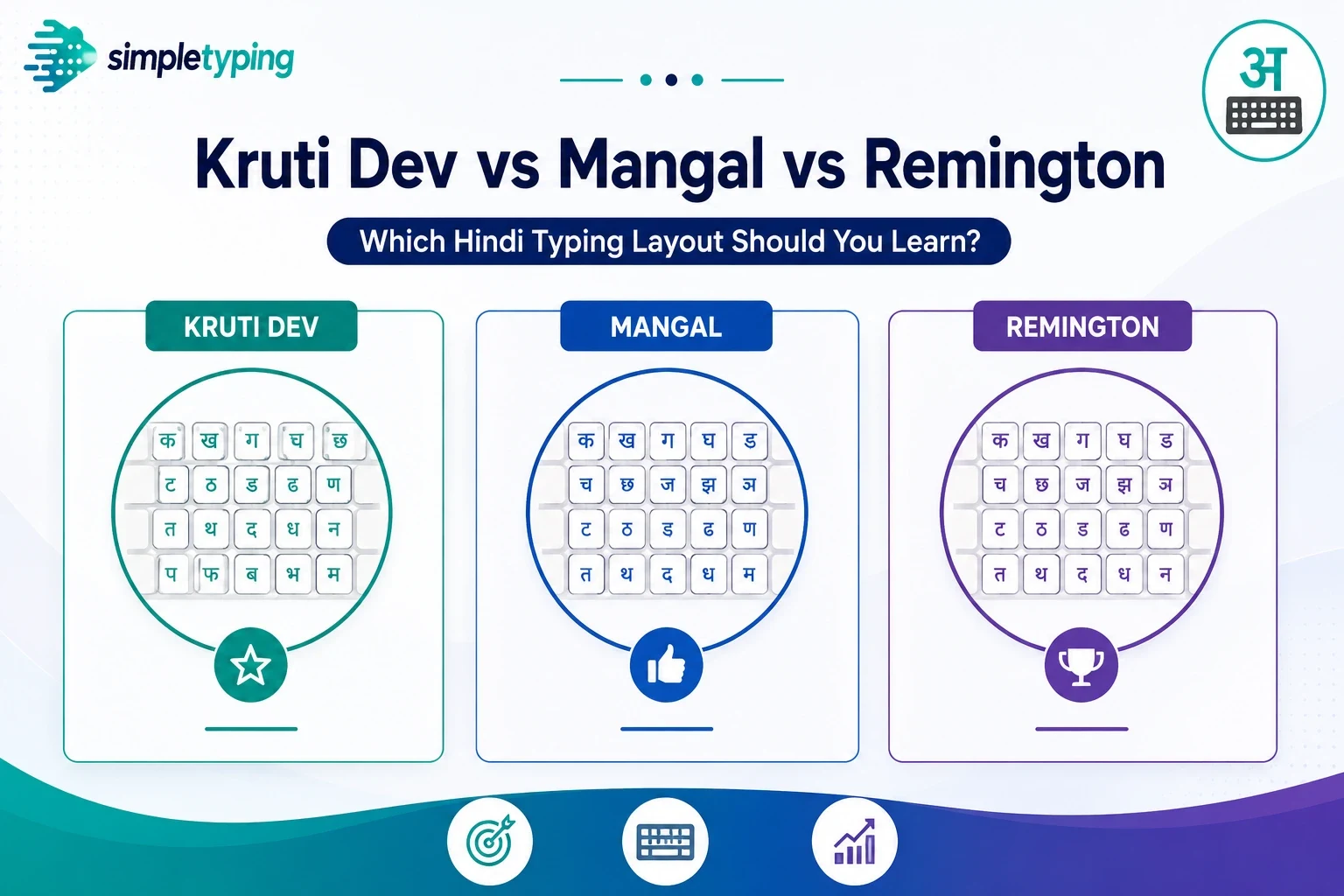
Hindi typing in India is split across a few different keyboard layouts, and picking the wrong one for your target exam can mean re-learning finger positions from scratch later.
Kruti Dev
A non-Unicode, glyph-based font layout that has historically been the most common requirement in many state government exams. Its key mapping does not follow phonetic logic — it maps to how Devanagari glyphs visually combine, which makes it harder to learn but still widely demanded.
Mangal (Unicode)
Mangal is a Unicode Devanagari font, and typing in Unicode is increasingly preferred for modern systems since it renders correctly everywhere without needing a special font installed. Some newer exam patterns are shifting toward Unicode-based typing for this reason.
Remington Gail (Inscript-adjacent)
An older typewriter-era layout still required by specific exams and typing institutes, with its own distinct key mapping separate from both Kruti Dev and Mangal.
So which one should you learn?
Check your target exam’s official notification first — it will name the required layout explicitly. If you are preparing generally without a specific exam yet, Mangal (Unicode) is the safest starting point since it is the most broadly compatible with modern computers.
Our Hindi Typing module supports multiple layouts including Kruti Dev, Mangal, Remington and Inscript, with an on-screen keyboard so you can see the exact key mapping as you practice.









