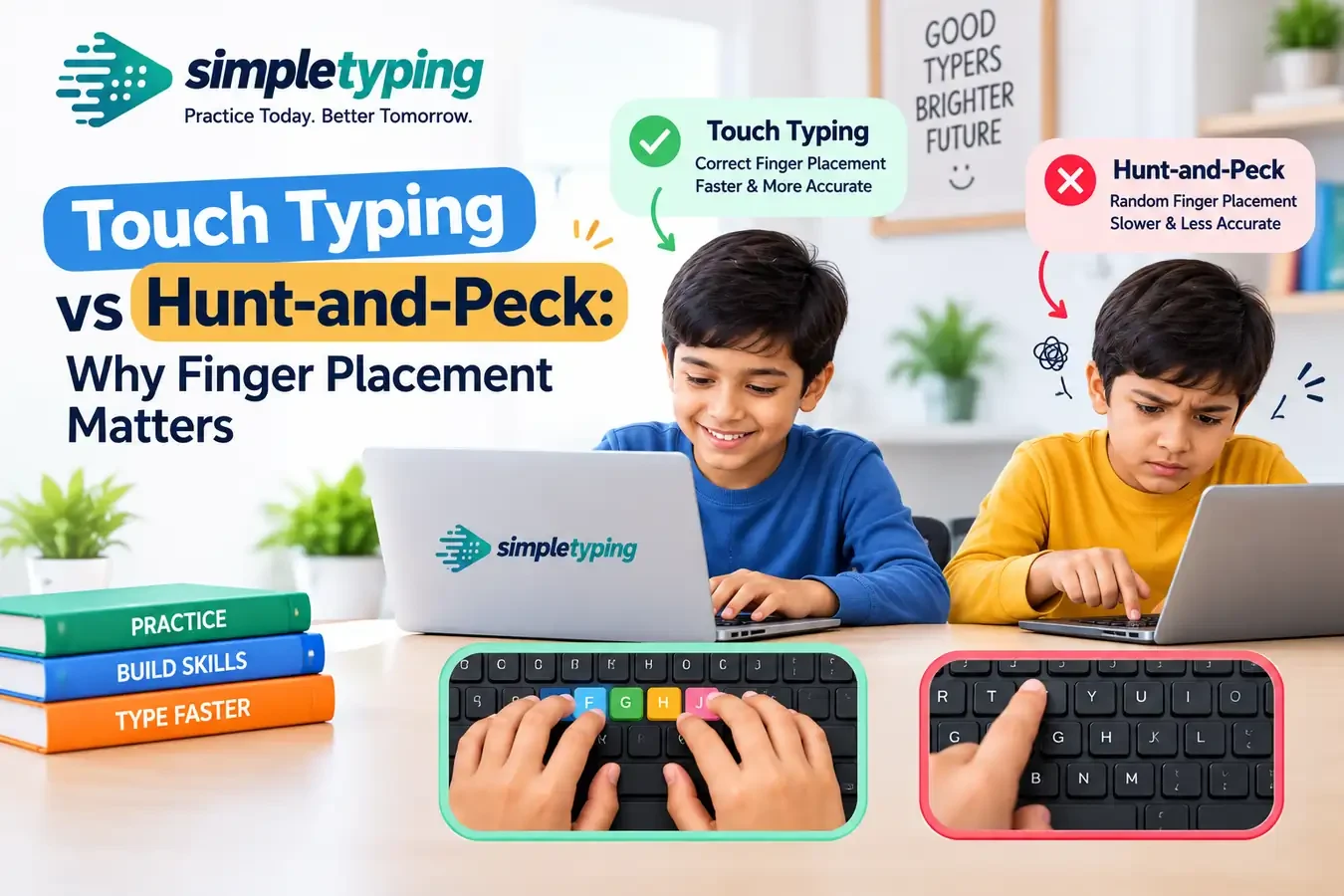
Most self-taught typists use some version of hunt-and-peck: a handful of fingers, frequent glances at the keyboard, and speed that comes from familiarity rather than technique. It works, up to a point.
What touch typing actually changes
Touch typing assigns every key on the keyboard to a specific finger, starting from a home-row resting position (A S D F for the left hand, J K L ; for the right). Because your fingers always return to the same resting spot, your brain can predict finger movement instead of visually searching for each key.
The ceiling that hunt-and-peck hits
Hunt-and-peck typists commonly plateau around 25–40 WPM because two or three fingers are doing all the work and the eyes have to keep re-locating keys. Touch typists routinely reach 60–90+ WPM because ten fingers share the load and the eyes stay on the screen the whole time.
How long does it take to switch?
Most people who commit to daily practice on structured lessons feel the new finger habits taking over within two to three weeks, even though their WPM temporarily dips below their old hunt-and-peck speed during the transition. That dip is normal — push through it.
Where to start
Our English Typing module has guided home-row, top-row and bottom-row lessons built exactly for this transition, with a virtual keyboard highlighting the correct finger for every key.








